Your sales rep sends a proposal to a German prospect. Your head of legal needs to review a contract in English. Your technical team receives a specification document in Spanish. Every time, the same question: Google Translate, DeepL, or ChatGPT?
For a simple sentence, it barely matters. But for a professional document where every word counts, the choice of AI translation tool directly affects your credibility. A misplaced register in a German business email, a contractual clause that loses its legal meaning, an approximate technical term in a specification: these are mistakes that cost contracts. Here is a field comparison, by document type and by sector.
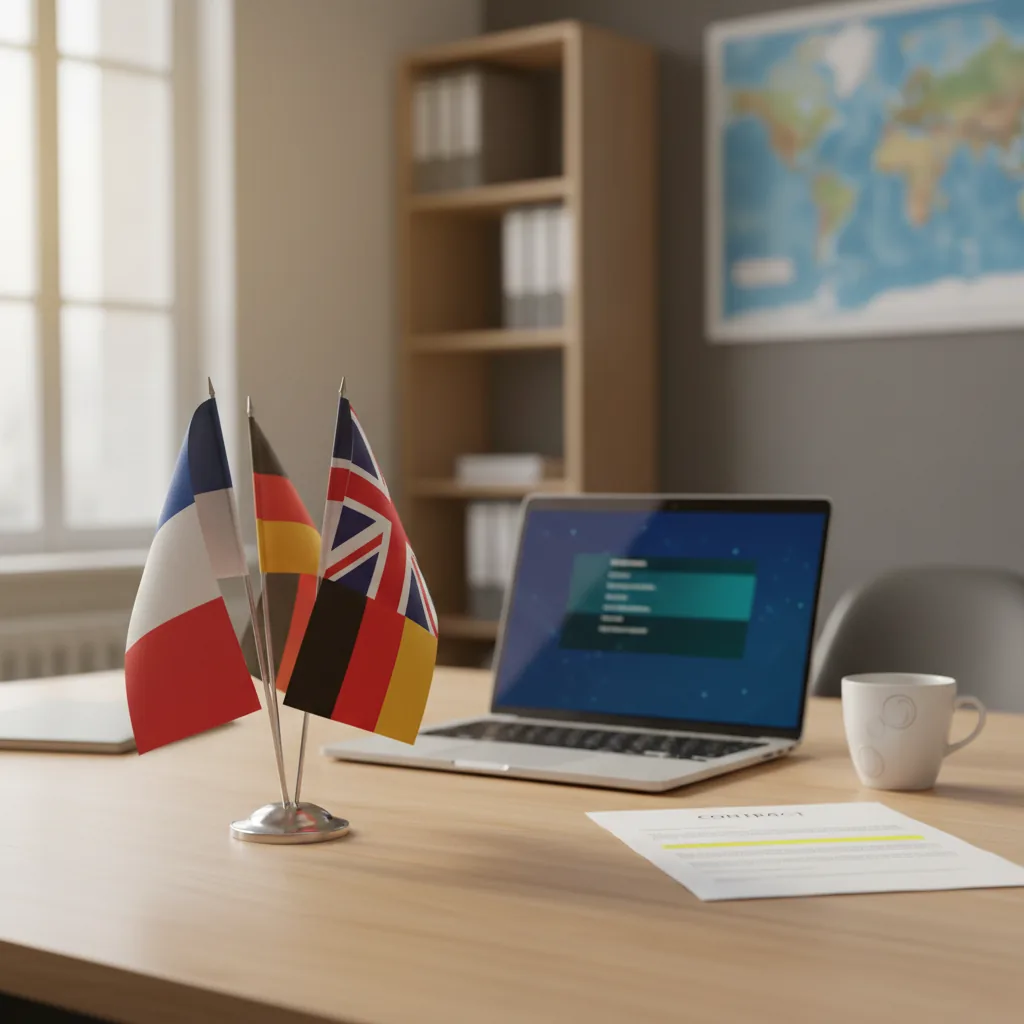
Why Professional Translation Is a Real Issue for SMEs
SMEs that export or work with foreign partners translate dozens of documents every week. Business emails, contracts, technical data sheets, proposals, terms and conditions. And in 90% of cases, someone on the team figures it out with a free tool.
The problem: professional translation is not literal translation. A contract translated word for word can change legal meaning. A business email where the register is off reads as amateurish. A technical term mistranslated in a specification document generates costly back-and-forth.
AI translation has improved considerably. But not all tools perform equally once you step outside simple sentences and into the territory of structured professional language.
The real cost of a bad translation
According to a CSA Research study, 76% of B2B buyers prefer to purchase in their native language, and 40% will never buy from a site in another language. For an export-focused SME, translation quality is not a bonus. It is a conversion factor.
DeepL, Google Translate, ChatGPT: What Each One Does (and Does Not Do)
Before comparing on concrete cases, let's clarify what each tool brings. DeepL translation does not have the same strengths as Google Translate or ChatGPT, and confusing them is the first mistake.
DeepL: precision in professional context
DeepL is an AI translator developed by a German company based in Cologne. Its translation model, trained on corpora of professional and edited texts, produces translations that sound natural in the target language. That is its core strength: DeepL understands register.
Key features:
- File translation: PDF, Word, PowerPoint, Excel with layout preservation
- Custom glossaries: enforce the translation of terms specific to your field
- Tone selection: formal or informal, depending on context
- DeepL Write: text correction and style improvement in the source language
- API: integrate into your existing tools and workflows
- Over 30 languages supported, with particularly strong quality on European language pairs
Google Translate: volume and language coverage
Google Translate covers over 130 languages, including rare or regional languages that DeepL does not support. Translation is fast, free, and natively integrated in Chrome, Gmail, Google Docs, and Android.
Its strengths: volume, accessibility, and language coverage. Its limits: a often flat register, phrasings that smell of machine translation, and a tendency to approximate on long or structured texts.
ChatGPT: adaptive translation
ChatGPT is not a translator in the classic sense. It is a generative language model that can translate but also adapt, rephrase, explain, and contextualize. You can ask it: "Translate this contract into British legal English" or "Adapt this business email for a Japanese contact, respecting the politeness conventions."
That is its strength: contextual flexibility. Its limits: it does not natively handle files with layout preservation, it can hallucinate technical terms, and it has no persistent glossary from one session to the next.
Comparison by Professional Document Type
This is where the differences become concrete. Here is how each tool performs on the documents SMEs actually translate.
| Document type | DeepL | Google Translate | ChatGPT |
|---|---|---|---|
| Contracts and legal clauses | Excellent. Formal register, precise terminology | Average. Phrasing sometimes ambiguous | Good if well prompted. Hallucination risk on technical terms |
| Business emails | Excellent. Natural, adjustable tone | Acceptable but generic | Excellent. Cultural adaptation possible |
| Technical documentation | Very good with glossaries | Average. Technical terms sometimes invented | Good. Can explain and translate simultaneously |
| Commercial proposals | Excellent. Layout preserved | Basic. No file handling | Good for text, not for layout |
| Terms and conditions | Very good. Terminological consistency | Average. Inconsistencies between paragraphs | Good but requires careful review |
| Marketing content (website, brochures) | Good but literal | Average. Brand voice is lost | Excellent. Creative adaptation, transcreation |
In summary: DeepL dominates on structured documents where terminological precision matters. ChatGPT is stronger on texts that require creative adaptation. Google Translate remains useful for quick informal translations, or when the target language is not covered by DeepL.
Sectors Where DeepL Pro Makes a Real Difference
The free version of DeepL is sufficient for occasional use. But in certain sectors, the Pro version is not a luxury. It is a working tool that prevents costly errors.
Legal: where every word carries contractual weight
A poorly translated contract is not just an ugly contract. It is a contract that can change legal meaning. The difference between "shall" and "may" in legal English, between "Gewährleistung" and "Garantie" in German law, can have direct financial consequences.
DeepL Pro with custom glossaries lets you enforce the translation of specific contractual terms. You define once that "clause résolutoire" translates as "termination clause" (not "resolution clause"), and DeepL applies it consistently. Google Translate offers nothing equivalent.
For law firms and legal departments already using AI, our article on AI tools for lawyers details complementary solutions.
Technical and industrial: non-negotiable terminological precision
An aerospace subcontractor translating a technical specification document cannot afford approximation. "Couple de serrage" must translate as "tightening torque," not "screw force." "Tolerances dimensionnelles" as "dimensional tolerances," not "size limits."
DeepL Pro glossaries are essential here. Feed the glossary with your industry terminology, and all translations stay consistent. For a team that regularly translates technical documentation, this is a significant gain in both time and reliability.
International trade: credibility and brand image
Your commercial proposal translated into English is the first point of contact with a foreign prospect. If it reads like machine translation, your credibility takes a hit before the prospect even gets to the content.
DeepL produces translations that sound natural. The tone selector (formal/informal) lets you adapt the register to context: formal for a commercial proposal, more direct for a follow-up email. That is a nuance Google Translate does not handle.
Medical and scientific: terminological rigor
Clinical protocols, trial reports, regulatory notices: the medical sector requires translations where scientific terms are exact. DeepL performs well on European language pairs for medical vocabulary. However, for critical regulatory documents, review by a specialist translator remains essential.

DeepL Free vs DeepL Pro: When the Investment Makes Sense
The free version of DeepL is already better than Google Translate for most translations. But it has real limits for professional use.
| Feature | DeepL Free | DeepL Pro Starter (€8.74/month) | DeepL Pro Advanced (€28.74/month) |
|---|---|---|---|
| Characters per translation | 1,500 max | Unlimited | Unlimited |
| Files per month | 3 files (5 MB max) | 5 files (10 MB) | 20 files (20 MB) |
| Glossaries | 1 glossary, 10 entries | 1 glossary, 5,000 entries | Unlimited |
| Formal/informal tone | Yes | Yes | Yes |
| Data security | Texts may be retained | Texts deleted after translation | Texts deleted, ISO 27001 |
| API | No | Yes (500,000 chars/month) | Yes (unlimited) |
When DeepL Pro pays for itself
At €8.74/month, DeepL Pro Starter pays for itself as soon as you translate more than 3 documents per month or regularly exceed 1,500 characters. For an export-oriented SME, that is usually the case within the first week. The real question is not "is it worth the cost" but "what does the alternative cost": cutting and pasting text in chunks into the free version, or reviewing an approximate Google Translate output.
Our recommendation:
- Occasional use (a few translations per week, short texts): the free version is sufficient
- Regular use (emails, documents, a few files per month): DeepL Pro Starter
- Heavy or sector-specific use (legal, technical, high volumes): DeepL Pro Advanced for unlimited glossaries
- Integration into your tools (CRM, ERP, multilingual website): DeepL API
The Optimal Strategy: Combining All Three Tools
In practice, the most effective teams do not pick a single tool. They combine DeepL, Google Translate, and ChatGPT according to context. Here is the division of labor that works.
DeepL for high-stakes documents
Contracts, commercial proposals, terms and conditions, technical documentation, official correspondence. Any document where terminological precision and register matter goes through DeepL. If you have the Pro version, activate glossaries for your field-specific terminology.
ChatGPT for adaptation and transcreation
Marketing content, web pages, commercial presentations, emails requiring cultural adaptation. ChatGPT does not translate word for word: it recreates the message for the target audience. Particularly useful when you need to adapt a sales pitch to the cultural norms of a specific market.
Google Translate for low-stakes daily needs
Quickly understanding an article in Swedish, translating a LinkedIn message in Korean, deciphering an email in Turkish. When the goal is fast comprehension rather than output quality, Google Translate does the job. It is also the only option when the target language is not covered by DeepL.
The translation workflow for an export-oriented SME
1. First translation: DeepL (text or full file, with glossary)
2. Tone adaptation: ChatGPT if the document requires cultural adaptation
3. Human review: for critical legal or regulatory documents
4. Quick comprehension: Google Translate for incoming documents in languages not covered by DeepL
DeepL Write and the Lesser-Known Features
Most DeepL users only know the translator. But the tool includes features that go beyond simple translation.
DeepL Write: correct and improve without translating
DeepL Write is not a translator. It is a text corrector and improver that works in the original language. It corrects grammar, improves style, and lets you choose the register (formal, informal, academic). For a sales rep drafting an email in English without being fully bilingual, it is a safety net.
DeepL Voice: real-time translation
DeepL Voice translates conversations and meetings in real time. For an SME holding video calls with foreign partners, this is a feature that removes the language barrier from oral exchanges.
Browser and desktop integrations
DeepL integrates directly into Microsoft Word, Google Docs, Outlook, and offers extensions for Chrome, Firefox, and Edge. In practice, you can translate a paragraph in Word without leaving the document. For a team that regularly translates, this is a genuine time saver.
For SMEs looking to automate repetitive tasks with AI, the DeepL API is a powerful lever. It enables automatic translation within your workflows: automatically translating incoming emails, product sheets, or customer responses.
Data Security: What You Need to Know
When you translate a confidential contract or a client document, data security is critical. Here is what each tool does with your text.
| Criterion | DeepL Pro | Google Translate | ChatGPT Plus |
|---|---|---|---|
| Company headquarters | Germany (Cologne) | USA (Mountain View) | USA (San Francisco) |
| Data hosting | Europe (Finland) | USA | USA |
| Text retention (Pro) | None | Possible (service improvement) | Disableable manually |
| Certifications | ISO 27001, SOC 2 | ISO 27001 (Google Cloud) | SOC 2 |
| GDPR native | Yes (European company) | Via contractual clauses | Via contractual clauses |
Important point: with the free version of DeepL, your texts may be temporarily retained to improve models. With DeepL Pro, texts are deleted immediately after translation. If you translate confidential documents, this is a strong argument for upgrading to Pro.
For businesses in regulated sectors looking for a solution with full data control, an AI audit can define the right architecture based on your regulatory constraints.
Frequently Asked Questions
Beyond translation
DeepL handles your documents. To integrate AI into your full business processes, we can help.
Related Resources
- ChatGPT for business: complete guide to getting the most out of ChatGPT in a professional context
- Perplexity for professional intelligence: another useful AI tool for international teams
- Our curated AI tool reviews: all AI tools useful for SMEs, organized by use case
- Our AI audit offering: before tooling up your teams, scope the needs properly
Go Further
Explore our AI audit offering or get in touch to discuss AI integration in your workflows.

