Your company posts on LinkedIn, sends newsletters, prepares client presentations. Every time, the same problem: where do the visuals come from? Stock image libraries are generic. A photographer is expensive. Photoshop requires skills nobody on the team has. The result: mediocre visuals, or time wasted hunting for something "good enough."
DALL-E 3, OpenAI's image generator integrated directly into ChatGPT, changes that equation. Describe what you want in plain English, and the AI generates a visual in seconds. No additional software, no graphic design skills, no need to leave the conversation. Here is how to get the most from it for your marketing visuals, where the real limits are, and when a different tool is the better call.
April 2026 Update
DALL-E 3 is being retired on May 12, 2026. The new model GPT Image 2, released April 21, 2026, brings 2K resolution, a Thinking mode, reliable text rendering (including multilingual), and multi-image consistency. This article remains useful for understanding the existing model, but for any new project, start with GPT Image 2.
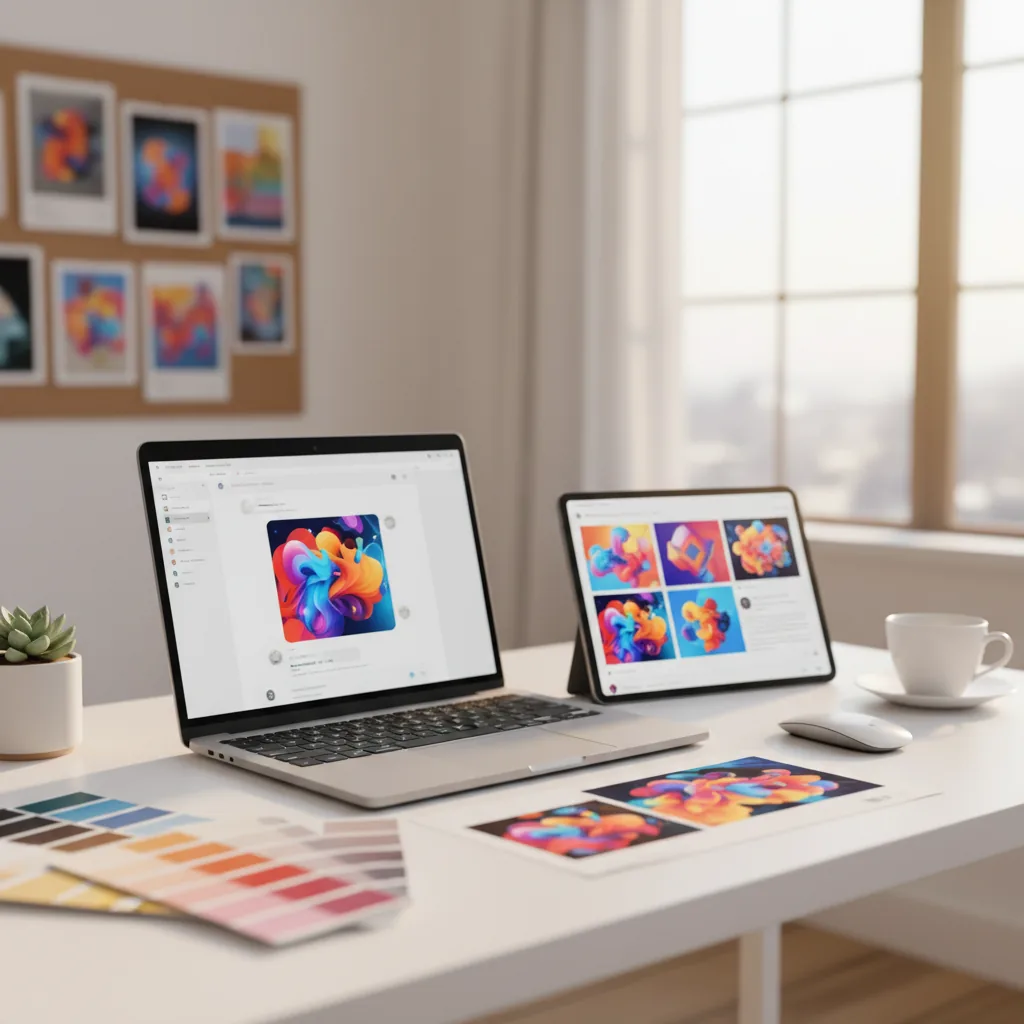
Why DALL-E 3 Is the Most Accessible Option for an SME
There are dozens of AI image generators out there. Midjourney, Stable Diffusion, Adobe Firefly, Canva Magic Studio. Each has its strengths. But DALL-E 3 has one advantage the others lack: it is integrated directly into ChatGPT, the tool many SMEs already use every day.
In practice, that means:
- Zero friction: no new account to create, no extra application to install, no new interface to learn. Type your request in ChatGPT, the image is generated.
- The prompt is written for you: unlike Midjourney or Stable Diffusion, which require mastering a technical syntax (word weights, parameters, style flags), DALL-E 3 in ChatGPT understands natural language. Say "a photo of a modern office with a computer and a green plant, warm light," and ChatGPT automatically transforms that into an optimized prompt.
- Conversation context: you can request a visual for a blog post that ChatGPT just helped you write. The AI understands the context and adapts the image to the subject.
- Iteration is natural: "the same image but with a blue background," "add a coffee cup," "make it brighter." You refine through conversation, not through technical parameters.
The real advantage for an SME without a graphic designer
DALL-E 3 is not necessarily the "best" image generator in terms of raw quality. Midjourney produces more visually polished results. Firefly is safer legally. But DALL-E 3 is the one that requires the least effort to get a usable result. For a one- or two-person marketing team that needs "good enough" visuals quickly, it is the most pragmatic tool.
What DALL-E 3 Actually Does in 2026
DALL-E 3 is the third generation of OpenAI's image generation model. Compared to DALL-E 2, the improvements are significant:
- Prompt comprehension: DALL-E 3 understands complex descriptions with multiple elements, relative positioning, and precise styles. DALL-E 2 often ignored half the prompt.
- Text in images: the headline feature. DALL-E 3 is the first major generator to embed readable text in visuals (slogans, titles, labels). Not perfect, but functional.
- Quality and realism: images are significantly more detailed, with more natural lighting and more coherent human proportions.
- ChatGPT integration: DALL-E 3 is native in ChatGPT. ChatGPT acts as an intermediary, reformulating and enriching your prompts before passing them to the model.
Available formats
DALL-E 3 generates images in three formats:
| Format | Resolution | Typical use |
|---|---|---|
| Square | 1024 x 1024 px | Instagram posts, thumbnails, Facebook visuals |
| Landscape | 1792 x 1024 px | LinkedIn banners, blog cover images, email headers |
| Portrait | 1024 x 1792 px | Instagram Stories, Pinterest visuals, vertical posters |
Resolution is more than adequate for web and social media. For print (brochures, posters), you will need an upscaling tool to increase resolution without quality loss. OpenAI has also published an image editing guide for more advanced use of the retouching features.
How to Write Effective Prompts for Your Marketing Visuals
The advantage of DALL-E 3 in ChatGPT is that you do not need to be a prompt engineering expert. But a few simple principles make an enormous difference in output quality.
The structure of a good visual prompt
An effective prompt for a marketing visual contains four elements:
- The main subject: what the image shows (a desk, a product, a meeting scene)
- The visual style: photorealistic, vector illustration, flat design, watercolor, editorial style
- Mood and lighting: warm natural light, studio, corporate feel, pastel tones
- Technical constraints: dominant colors, elements to avoid, desired composition
Concrete example for a LinkedIn post
Basic prompt: "a desk with a computer"
Optimized prompt: "Editorial photo of a clean, modern desk in a co-working space. A computer screen displays abstract charts (no readable text). A coffee cup, an open notebook, and a green plant on the desk. Warm natural light from a large window. Neutral tones with light wood accents. Photojournalism style, shallow depth of field. No people visible."
The first prompt gives a generic image. The second gives a usable visual for a professional post.
Mistakes to avoid
- Vague prompts: "a nice image for my company" produces nothing usable. Be specific about context, style, and intended use.
- Too many elements: DALL-E 3 handles 3 to 5 elements in a scene well. Beyond that, the composition becomes confused and some elements get ignored.
- Forgetting to say "no text": DALL-E 3 tends to insert text into images. If you do not want text, state it explicitly in your prompt.
- Requesting specific faces: DALL-E 3 does not reproduce real people (OpenAI's safety policy). Generated faces are always fictional, and not always convincing.
Ready-to-use prompt templates for an SME
Here are formulas you can adapt to your activity:
- Social media visual: "Editorial photo of [your scene]. Style [photorealistic/illustration]. Mood [natural light/studio]. Tones [warm/cool/corporate]. No visible text."
- Blog post illustration: "Conceptual illustration representing [your concept]. Style [flat design/isometric/watercolor]. Color palette [your colors]. Landscape 16:9 format."
- Email header image: "Minimalist marketing banner evoking [your theme]. Dominant colors [hex codes if possible]. Clean, modern, professional style. Open space on the left for overlaid text."
- Client presentation visual: "Professional atmospheric photo showing [business context]. Studio lighting, neutral warm tones. Premium corporate style, human feel. No logos, no text."
Maintaining visual consistency across images
This is one of the biggest challenges with AI image generation: every image is independent. DALL-E 3 does not "remember" the previous visual. Two identical prompts never produce exactly the same image.
For an SME that wants to maintain a coherent visual identity across social media or marketing materials, here are the strategies that work:
Use a dedicated ChatGPT Project
Create a ChatGPT Project (available with Plus plan) dedicated to your visuals. In the project instructions, describe your brand guidelines:
- Color palette (hex codes: #2C5CB1 for blue, #F59E0B for accent)
- Preferred photographic style (editorial, minimalist, warm corporate)
- Recurring elements (plants, light wood, natural light)
- Elements to always exclude (text, logos, direct-facing portraits)
Every generation in that project will respect these baseline instructions, creating natural visual consistency without repeating the same instructions each time.
Keep a constant "base prompt"
Create a prompt template you reuse, changing only the subject. For example:
"Editorial photo in warm natural light. Neutral tones with [your color] accents. Professional and human style. Shallow depth of field. No text, no logos. Subject: [what changes]."
This prompt "skeleton" ensures all your images share the same visual treatment, even when subjects vary.
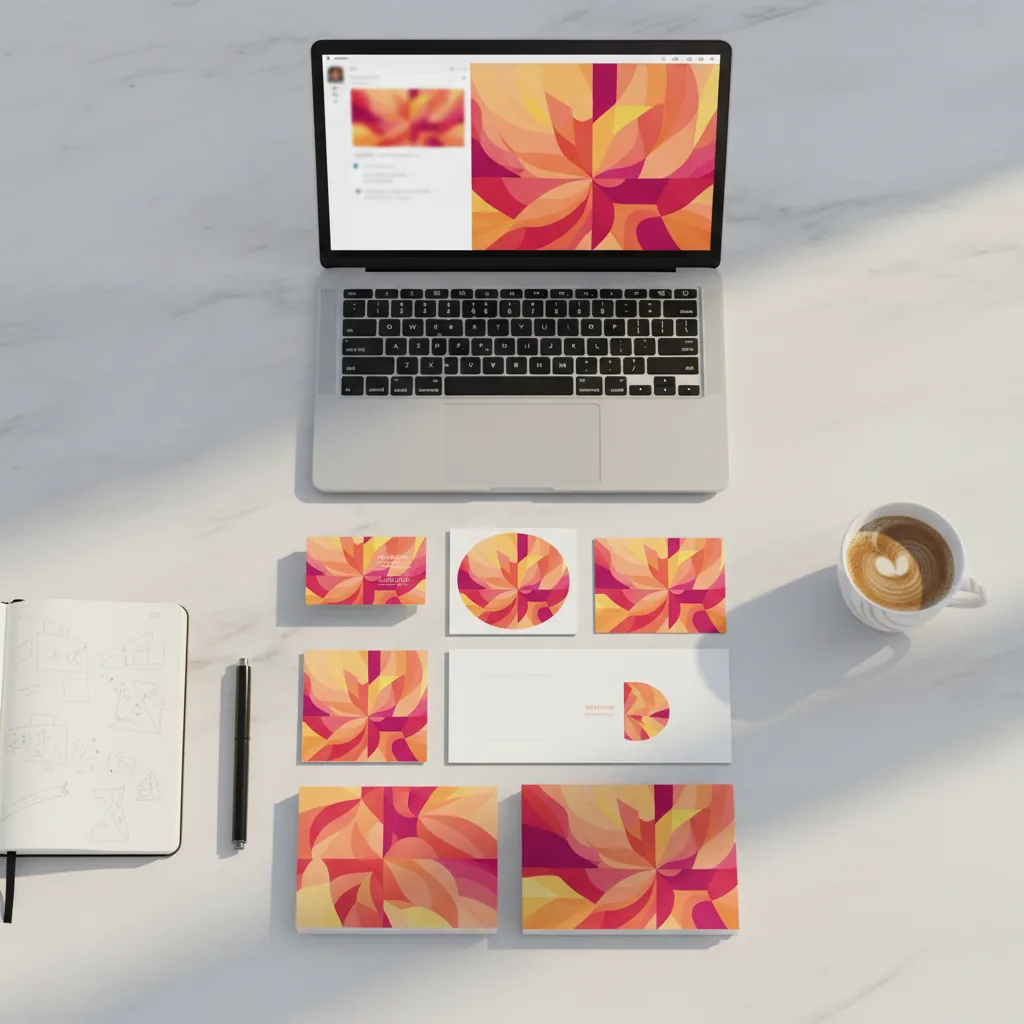
DALL-E 3 vs Midjourney vs Firefly: Which Tool for Which SME Use Case
The three main AI image generators have very different strengths. The choice depends on your specific use case, not on an abstract quality ranking.
| Criterion | DALL-E 3 (ChatGPT) | Midjourney | Adobe Firefly |
|---|---|---|---|
| Accessibility | Maximum. Built into ChatGPT, natural language | Moderate. Dedicated interface but syntax to learn | Good. Dedicated web interface + Adobe integration |
| Artistic quality | Good, versatile, realistic | Superior. More stylistic and creative | Good, clean, professional |
| Text in images | Best in class. Short text generally readable | Weak. Text often garbled | Decent, improving |
| Legal safety | Solid. Rights transferred, no IP indemnification | Murky. Training data opaque | Excellent. Licensed training data + IP indemnification |
| Entry-level price | Free (2/day) or $20/month (ChatGPT Plus) | $10/month (Basic plan) | Free (25 credits) or €10.99/month |
| Best for | Quick visuals, non-technical teams, versatility | Art direction, creative concepts | Commercial visuals with zero legal risk |
Our recommendation: if your company already uses ChatGPT, start with DALL-E 3. It is the shortest path between a visual need and a usable image. If your visuals are used in large-scale advertising campaigns and legal safety is a priority, Adobe Firefly is a better choice. Midjourney is for teams with advanced creative needs.
The Limitations Nobody Tells You About
DALL-E 3 is a powerful tool, but it has concrete limitations you need to know before integrating it into your visual production workflow.
Faces remain a weak point
DALL-E 3 refuses to generate real people (OpenAI's safety policy). Fictional faces generated by the model are often acceptable in wide shots, but show artifacts in close-ups: imprecise gazes, subtly wrong proportions, an "uncanny valley" quality. For visuals where faces are secondary (wide shots, silhouettes, atmospheric scenes), it works. For a portrait or team photo, it does not.
Consistency between images is not guaranteed
If you generate 5 visuals for a LinkedIn post series, each image is independent. Even with an identical prompt, variations in style, color, and composition are unavoidable. The Project and prompt-template techniques mentioned above reduce the problem but do not eliminate it. For a campaign that demands perfect visual consistency, a designer remains necessary to harmonize the generated images.
Text in images is better, but not perfect
This is a genuine improvement over the competition. A short title, a 3 to 4 word slogan, a key figure: these generally work. But once you go beyond 5 to 6 words, errors appear: reversed letters, truncated words, creative spelling. The pragmatic rule: generate the image without text, then add the text in Canva or a graphics editor. The result will always be cleaner.
Resolution is capped at web quality
1792 x 1024 pixels maximum. That is sufficient for social media, web banners, and presentations. But for high-quality print (A4 brochures, posters, roll-up banners), the resolution falls short without upscaling. Not a problem if 90% of your communication is digital, but worth knowing.
Content filters are strict
OpenAI applies restrictive content filters to DALL-E 3. Some perfectly legitimate professional requests (medical scenes, visuals involving alcohol, certain industrial contexts) may be refused. Frustrating but understandable from OpenAI's perspective. If your sector is affected, Midjourney or Firefly are more permissive.
Pricing and Access to DALL-E 3 in 2026
One of DALL-E 3's advantages is its affordability, especially if you already have a ChatGPT subscription.
| Access | Price | Generation volume | Commercial use |
|---|---|---|---|
| ChatGPT Free | $0 | ~2 images/day | Yes, rights transferred |
| ChatGPT Plus | $20/month | High volume (dynamic limit) | Yes, rights transferred |
| ChatGPT Team | $25/user/month | High volume + privacy | Yes, data not used for training |
| DALL-E 3 API | $0.040 to $0.080 per image | Unlimited (on demand) | Yes, rights transferred |
| Microsoft Copilot | Free (via Bing Image Creator) | 15 boosts/day then slower generation | Microsoft terms |
Our recommendation for an SME: the ChatGPT Plus plan at $20/month is the best value. You get DALL-E 3, GPT-4o, web search, document analysis, and all other ChatGPT tools in a single subscription. If your team has multiple people, the Team plan at $25/user/month adds the guarantee that your data is not used to train OpenAI's models.
To test without commitment, the free plan with its 2 images per day is enough to evaluate quality against your real use cases. If you generate more than 10 visuals per week, the investment in ChatGPT Plus pays for itself immediately compared to buying stock photos ($5 to $15 per image from traditional libraries).
Concrete Use Cases for Your Marketing Visuals
Beyond theory, here is how marketing teams use DALL-E 3 day to day to create AI images suited to their communications.
Social media visuals
This is the number-one use case. A marketing manager posting 3 to 5 times a week on LinkedIn, Instagram, or Facebook needs a visual for every post. With DALL-E 3, they describe the post concept, generate 2 to 3 variants, pick the best one, and publish. Total time: 5 minutes instead of 30 to 45 minutes searching a stock library.
Illustrations for blog posts and newsletters
Images accompanying articles rarely need perfect photographic realism. A conceptual illustration, an atmospheric scene, a visual metaphor: DALL-E 3 produces these efficiently. And since you often draft the article in ChatGPT, generating the illustration image happens naturally in the same conversation.
Client presentation visuals
Presentation slides with generic stock photos ("the handshake," "the smiling team") have become a recognizable cliché. DALL-E 3 lets you create visuals specific to your subject: a scene that illustrates your industry, a visual metaphor for your value proposition, an image that reflects the precise context of the client.
Mockups and visual prototypes
Before commissioning a photo shoot or a graphic design from a freelancer, DALL-E 3 lets you visualize the concept. Generate 5 variants, select the direction that works, and hand that reference to the professional. It is a visual briefing tool that reduces back-and-forth and misunderstandings.
A tool, not a replacement
DALL-E 3 is an accelerator, not a substitute for a professional visual identity. If your brand relies on premium-quality visuals (luxury, food, fashion), AI generation is a prototyping and secondary production tool, not your primary image source. Evaluating where the tool genuinely creates value versus where it falls short is exactly the kind of question an AI audit addresses.
Frequently Asked Questions
Go further
DALL-E accelerates your visuals. To integrate AI into your full business processes, we can help.
Related Resources
- Adobe Firefly: AI image generation with legal safety and IP indemnification for your commercial visuals
- Canva and Magic Studio: the all-in-one alternative for creating complete designs without graphic design skills
- ChatGPT for business: get the most out of ChatGPT (not just images) for your company
- Our full AI tool reviews: complete catalog of AI tools evaluated for SMEs
- Our AI audit offering: identify where image generation and AI create value in your organization
Go Further
Explore our AI audit offering or get in touch to discuss how AI tools fit your specific workflows.

